> ## Documentation Index
> Fetch the complete documentation index at: https://docs.2extract.com/llms.txt
> Use this file to discover all available pages before exploring further.
# I've reached my traffic limit, what happens now?
> What happens when your proxy reaches its configured traffic limit and how to get it working again.
Setting a usage limit on your proxies is a great way to control your spending. Here’s what happens when that limit is reached.
### 1. The Proxy is Automatically Suspended
When a proxy's consumed traffic (for the current day or month) equals or exceeds the limit you've set, its status will automatically change to **`Suspended`**.
* **What this means:** The proxy will immediately stop accepting new connection requests. Any script or tool using it will receive a connection error (typically a `407` error).
* **Where to check:** You will see the `Suspended` status badge next to the proxy name on your **[My Proxies](https://2extract.com/app/proxies)** dashboard.
### 2. The Limit Resets Automatically
Your usage limit is not permanent. It will automatically reset at the beginning of the next usage period.
* **If you set a `daily` limit:** The counter resets to zero at 00:00 UTC every day.
* **If you set a `monthly` limit:** The counter resets to zero at 00:00 UTC on the first day of each calendar month.
Once the period resets, the proxy's status will automatically return to **`Active`**, and it will start working again (provided your account balance is positive).
### How to Reactivate a Suspended Proxy Immediately
If you don't want to wait for the automatic reset, you have two options:
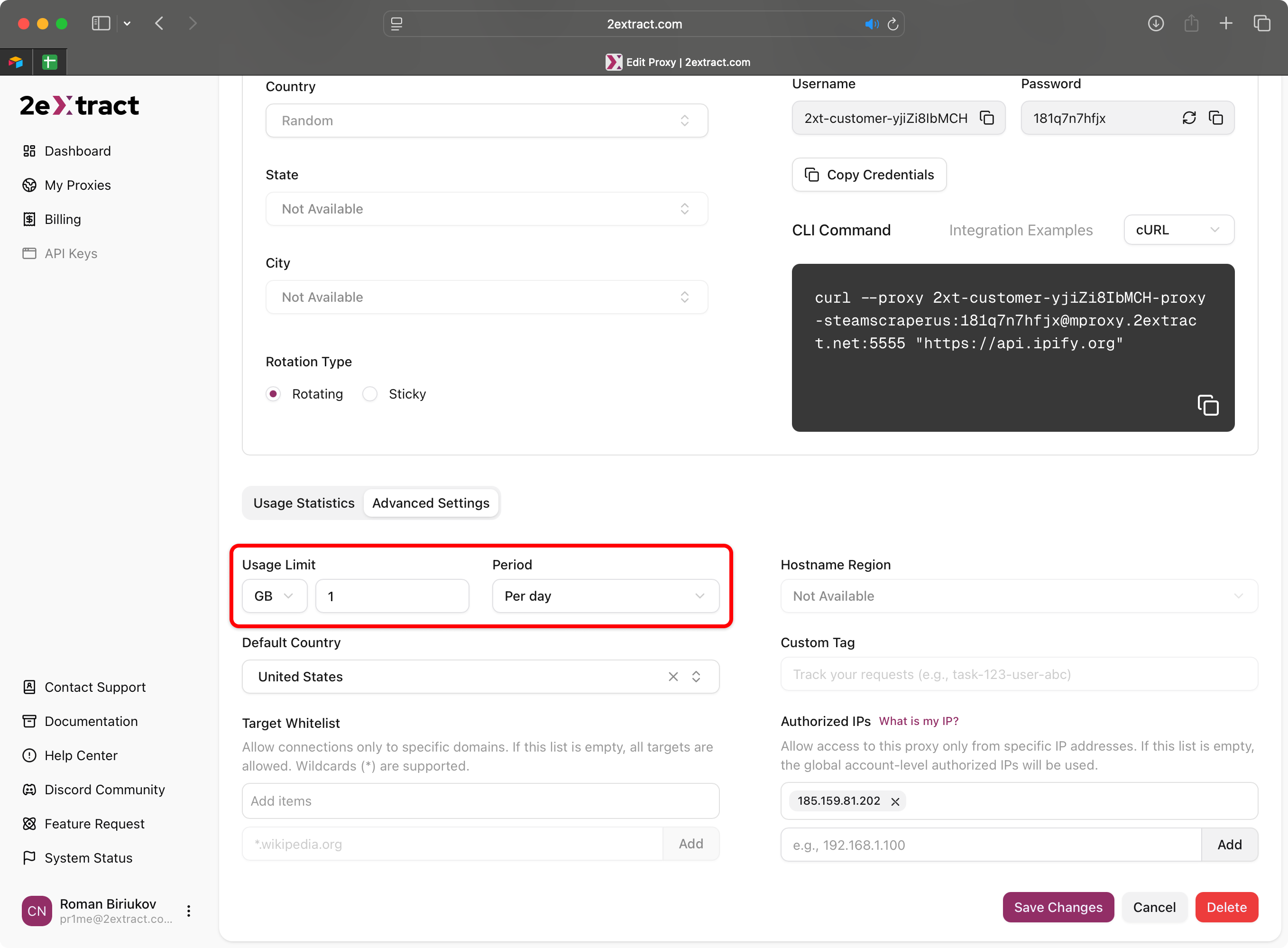
1. **Increase the Limit:** Navigate to the proxy's settings page and increase the `Usage Limit` to a higher value.
2. **Remove the Limit:** Set the limit to be unlimited.
After saving the changes, the proxy's status will immediately update to `Active`.